




The hard part about travel expenses isn’t booking the flight or paying the hotel. It’s everything that happens after. The receipt gets lost on day two. The GL code gets guessed on day five. The manager approves it without context on day eight. By the time finance posts it to the books, the trip is three weeks old, two receipts are missing, and the foreign exchange rate someone used doesn’t match what the card actually charged.
2026 is the year AI features started fixing this in production rather than in roadmap slides. Auto-categorization at the card swipe. AI that detects forged or AI-generated receipts before they reach approvers. Travel bookings that create draft expense entries before the trip even happens.
This guide covers 7 travel management platforms doing real work on that friction. For each one, what the expense streamlining actually looks like in practice, where it falls short, and who it fits best.
What Streamlined Travel Expenses Actually Look Like?
Before the list, here’s a scorecard for the expense-streamlining angle specifically. Platforms that earn a place should hit at least four of these six.
| What to check | Why it matters |
|---|---|
| Travel booking auto-creates the expense draft | Booking and expense connect automatically, not through a manual entry weeks after the trip |
| AI categorization at the swipe | The card transaction codes itself to the right GL account when it happens |
| OCR accuracy on receipts | 90%+ for real time savings. Below that, finance still cleans up |
| Multi-currency handling | Original currency preserved for audit, conversion automatic |
| AI fraud or audit detection | Flags duplicates, inflated totals, AI-generated receipts at submission |
| ERP push depth | Direct connectors for NetSuite, Workday, SAP, not CSV export and reupload |
7 Travel Management Tools at a Glance
| # | Platform | How expense gets streamlined | Pricing | Best for |
|---|---|---|---|---|
| 1 | Itilite | Booking auto-creates expense draft, AI fraud detection, GL auto-tag, multi-currency | $10/trip; $6/user/mo expense | Mid-market wanting travel and expense as one path |
| 2 | Ramp | AI auto-categorization at the card swipe, Slack/SMS memos | Free with Ramp account; Plus $15/user/mo | US card-first stacks |
| 3 | Brex Travel | AI compliance audits at submission, per-role card limits | Card free; Premium software $12/user/mo | Venture-backed teams on Brex |
| 4 | Perk (formerly TravelPerk) | Native expense after January 2025 Yokoy acquisition | Starter free + 5%; Premium $99/mo + 3% | Travel-heavy mid-market with EU exposure |
| 5 | Rydoo | Smart Audit AI catches AI-generated receipts; 95%+ OCR | From $7/user/mo | Mid-market expense-heavy teams |
| 6 | Navan | AI Expense Agent auto-codes from receipts; natural-language edits | Free Business up to 300 employees (expense 5-user cap); Enterprise custom | Small US-centric teams |
| 7 | SAP Concur | Legacy expense gold standard; deepest ERP integration | Custom | Large enterprises on SAP |
1. Itilite
The thing Itilite does that most expense platforms don’t: it creates the expense draft when you book the trip, not when you remember to file it three weeks later. Every booking auto-creates a draft expense entry in the expense module. Every cancellation cleans up the corresponding entry. By the time the traveler returns, half the work is already done.

How does Itilite cut the expense of friction?
The travel to expense auto link is the key foundation, but the streamlining compounds from there. GL code auto-tagging applies the right account based on pre-configured rules, so finance doesn’t have to clean up coding mistakes after the fact. AI fraud detection runs on every submission and flags duplicate submissions, inflated amounts, and unusual vendor patterns before they reach approvers. Multi-currency expense filing lets travelers submit in any currency, with the platform handling conversion to the company’s base currency while preserving the original currency for audit.
Receipt capture works three ways.
- Snap a photo on mobile and AI extracts the merchant, amount, date, and category.
- Forward the receipt email to a dedicated address and the same extraction happens automatically. Or connect existing cards from 8,000+ US financial institutions via Yodlee, and transactions auto-import as draft expenses.
- Mileage reimbursement uses a formula field that auto-computes the reimbursable amount from logged distance. HRIS sync handles approval routing based on the manager hierarchy.
One thing to push on in evaluation: Itilite’s fraud detection covers the standard cases (duplicates, inflated totals, unusual vendors), and it may charge a one time integration fee.
Best for: CFOs and finance leads at 100 to 2,000 employee companies who want travel and expense to flow as one workflow rather than two integrated tools.
Pricing: $10 per trip for travel. $6 per active user per month for expense, billed annually. No setup fee.
2. Ramp
Ramp’s expense streamlining advantage lives in one specific moment: the card swipe. AI auto-categorization runs the second a transaction hits, codes it to the right GL account, matches it to a receipt if one has been uploaded, and routes the entry through policy rules. The traveler hasn’t done anything yet, and the expense is essentially filed.

What Ramp gets right at the swipe
The auto-categorization is the headline, but the surrounding workflow matters too. Receipts can be added by texting them in (no portal login required). Memos can be added through Slack or SMS, also without the platform. For travelers who never open the expense app, that channel choice is the difference between filing and not filing. Ramp Procurement matured through 2026, so the loop now runs from intake through AP without breaking. The free tier covers cards, T&E, AP automation, and accounting integrations, which removes the procurement-overhead question that often kills mid-market expense projects.
Where it falls short
A 3% foreign currency conversion fee adds up on international sourcing trips. International coverage and traveler tracking are lighter than dedicated travel platforms, which matters if duty of care is part of the expense conversation.
Best for: US-centric mid-market finance teams already on (or moving to) a card-first stack.
Pricing: Free with a Ramp account. Ramp Plus is $15 per user per month and adds procurement plus global payments.
3. Brex Travel
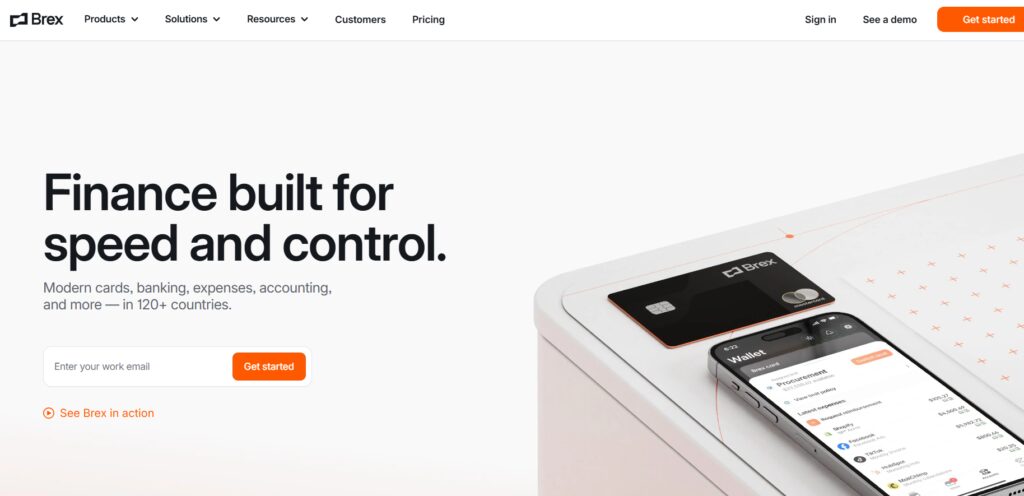
Brex Travel handles expense friction at submission rather than at month-end. AI compliance audits look at every expense as it comes in, flag anything that doesn’t fit policy, and surface the issue to finance before the approver sees it. The downstream effect is fewer reworks, fewer back-and-forths, and a tighter close cycle for finance.
How Brex handles policy at submission
The Brex Card is the anchor. Spend rules apply at the swipe (out-of-category transactions get blocked at the point of purchase), and AI compliance audits run on every expense submission to catch policy issues at the source. Per-role limits make the “different rules for different roles” problem manageable without manual policy rewrites every quarter. Native Slack and Microsoft Teams notifications surface spend events as they happen, so managers act on flags in the chat tool they already use rather than waiting for a weekly digest. HRIS connectors pull employee data from Workday, BambooHR, and Rippling, so role changes propagate automatically.
Where it falls short
Brex Travel only works with the Brex Card. If you switch card programs later, travel switches too. Travel inventory and traveler tracking are thinner than dedicated TMCs, which matters if your team does heavy international travel.
Best for: Venture-backed and growth-stage finance teams (50 to 1,000 employees) already on Brex for cards.
Pricing: Brex Card is free. Software tiers: Essentials free, Premium $12 per user per month. Enterprise pricing on request.
4. Perk (formerly TravelPerk)
Perk’s expense story changed in January 2025 when the company acquired Yokoy. Before that, Perk was a travel-only platform with no native expense product, so teams had to pair it with a separate tool and reconcile across two vendors. After the Yokoy acquisition, expense management lives inside Perk. Travel bookings, receipts, and reimbursements run through one product.

What changed with the Yokoy acquisition
The expense module brings native receipt capture, policy enforcement, and reimbursement workflows that previously required a third-party tool. For finance teams in the UK and EU, the combination is especially relevant because Perk’s data is hosted in AWS Ireland (so the expense data sits inside EU GDPR jurisdiction), and Yokoy was built with European VAT logic in mind. The Trip Assistant runs natively inside Slack and Microsoft Teams, so trip updates and expense questions can be answered in the chat tool the team already uses.
Where it falls short
Per-booking fees on the travel side stack up if your team books a lot of trips. The Yokoy integration is still maturing, so some finance teams report that travel and expense don’t feel as tightly stitched as on Itilite or Concur where the products were built together from the start.
Best for: Travel-heavy mid-market teams with regular European travel who want one vendor for travel and expense.
Pricing: Starter is free with a 5% booking fee ($2 min, $30 max). Premium is $99 a month plus 3%. Pro is $299 a month plus 3%.
5. Rydoo
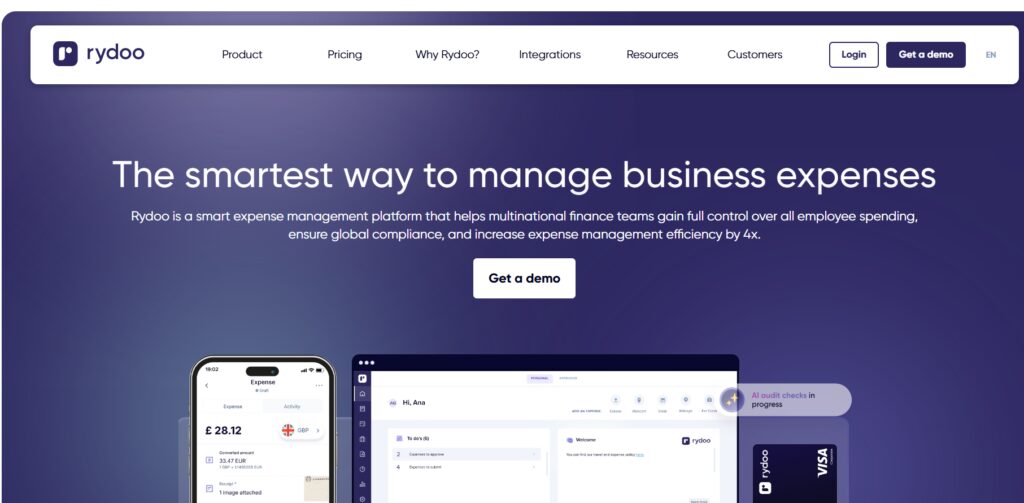
Rydoo is the one platform on this list that actively catches AI-generated fake receipts. As employees use generative AI to forge submissions (this happens now), the audit gap in most expense tools has started to matter quarterly. Rydoo’s Smart Audit AI flags altered or AI-generated receipts at submission, alongside the usual duplicate-and-inflated-totals checks. For finance teams that have already seen a forged receipt make it through, this is the differentiator that justifies the line item.
Why Rydoo catches what others miss
Smart Audit runs on every expense submission. The checks include policy violations, duplicate claims, inflated amounts, and altered or AI-generated receipts. Published OCR accuracy is 95% or higher, which is the threshold where finance teams actually stop cleaning up coding mistakes manually. AI policy enforcement happens at submission time, so the expense doesn’t reach an approver if it violates policy in a way the system can detect. Multi-currency expense filing is built in, and mobile UX is cleaner than legacy expense tools (Concur in particular).
Where it falls short
The travel side is much lighter than dedicated TMCs. Rydoo doesn’t ship corporate cards, so card-spend policy enforcement runs through whatever card program you already have. US enterprise presence is limited; if you need on-the-ground account management for a Fortune 500 program, Rydoo is the wrong fit.
Best for: Mid-market companies (especially with European entities) running expense-heavy operations who want best-in-class audit detection.
Pricing: From $7 per user per month for smaller plans. Custom pricing for enterprise.
6. Navan
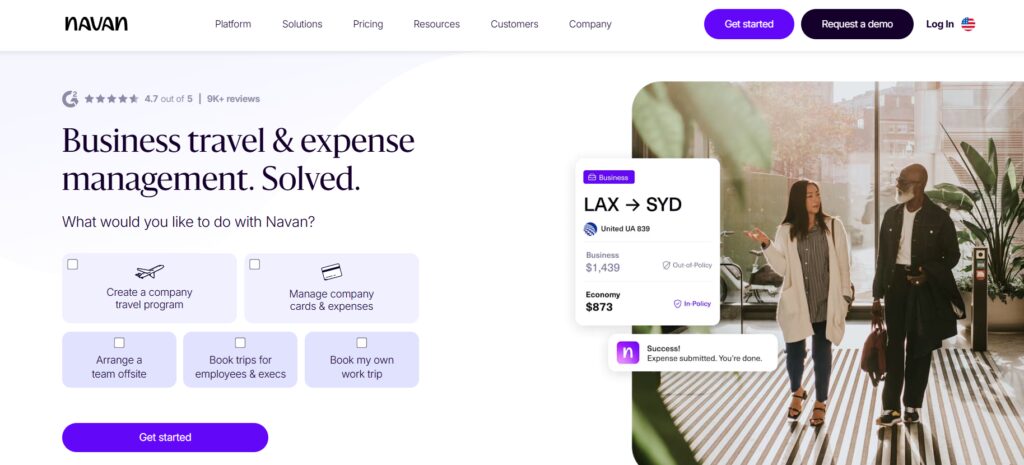
Navan combines business travel and expense management in one platform. Its AI Expense Agent extracts merchant data from receipts, auto-codes expenses to the appropriate category, applies policy, and can submit multiple receipts on a traveler’s behalf. Travelers can make natural-language edits, while photos and email-forwarded receipts are supported. Navan Card transactions are imported automatically, helping connect card spend with expense reporting.
Where it falls short
Navan Business is free for companies with up to 300 employees, but expense features are free for only the first five users; larger programs require custom Enterprise pricing.
Best for: Small to mid-market, US-centric teams with expense workflows limited to a few users.
Pricing: Business is free up to 300 employees, with expense features free for the first five users; Enterprise pricing is custom.
7. SAP Concur
Concur Expense is the legacy gold standard for enterprise expense streamlining. The product has been audited and battle-tested by Fortune 500 finance teams for two decades. The main complaint about Concur has always been UX: clunky workflows, mobile gaps, complex configuration. The 2026 Joule integration and AI Policy Navigator soften that significantly. For large enterprises already on SAP ERP, Concur Expense still does things no modern challenger has matched.

Where Concur Expense still leads
ERP integration depth is unmatched, especially for SAP S/4HANA, but also Oracle, NetSuite, and Workday. Joule, SAP’s generative AI assistant, is now integrated and answers expense questions through a chat-style interface. The AI Policy Navigator pushes inline tips during expense submission based on the company travel policy. The Microsoft Teams app embeds Concur Travel and Concur Expense, so approvers review and approve directly in Teams without leaving the chat tool. Multi-currency, multi-language, and regional compliance support are mature, with proper VAT splitting for HMRC and EU markets.
Where it falls short
Implementation usually runs 3 to 6 months and often needs a consulting partner. The mobile experience still trails newer self-serve platforms despite recent investment. The per-report pricing model creates a perverse incentive for travelers to batch expense submissions, which slows reimbursement timelines.
Best for: Large enterprises (1,000+ employees) on SAP ERP with strict audit and compliance requirements.
Pricing: Custom. Contact sales.
How to Pick by Setup?
- You want travel and expense as one workflow, not two integrated tools: Itilite or Perk (post-Yokoy).
- Your finance team lives in Slack or Teams and uses cards heavily: Ramp or Brex.
- You’re seeing AI-generated or altered receipts in submissions: Rydoo.
- Your team is under 300 employees with light expense workflows: Navan.
- You’re already on SAP ERP and need enterprise audit depth: Concur.
5 Questions to Ask Any TMS About Expense Streamlining
- Show me a travel booking auto-creating the expense draft. How much manual entry is involved on the traveler’s side?
- What’s the OCR accuracy on receipts? Show me a real receipt going through, including a crumpled hotel folio.
- How does AI categorization work? At the swipe, at submission, or both?
- Can the system detect AI-generated or altered receipts? Show me with a forged sample.
- What’s the path from approved expense to the GL? Direct API push, scheduled sync, or CSV export?
Where the Real Friction Lives?
The expense streamlining problem isn’t AI features in isolation. It’s whether the path from booking to GL is one path or three. The platforms that genuinely help fall into two groups. The ones that auto-link travel to expense from the start (Itilite, Perk after Yokoy, Navan, Concur), and the ones that catch policy and fraud at submission rather than at month-end (Ramp, Brex, Rydoo, Concur).
The right pick depends on where your team is losing time today. If travelers are dropping receipts, you want strong OCR and email-to-expense (Itilite, Rydoo, Navan). If finance is cleaning up GL codes manually, you want auto-categorization at the swipe (Ramp, Itilite). If your audit team is catching policy violations after the fact, you want submission-time enforcement (Brex, Rydoo, Concur). If you’re already seeing AI-forged receipts, you want Smart Audit-class detection (Rydoo).
One concrete thing worth doing before booking sales calls: pull your last 12 months of travel expenses and time how long each one took to post to the GL. The platform that cuts that time the most is the one to pick. Demos are useful, but a real measurement against your actual data tells you more.