Your dining table is covered with handmade candles, packaging boxes, and orders waiting to be shipped. You have finished designing a new candle collection, but the labels have not arrived yet. Your online store needs fresh product images, and arranging another photoshoot is difficult when you are running everything from home.
What if you could prepare a visual preview before receiving the final packaging?
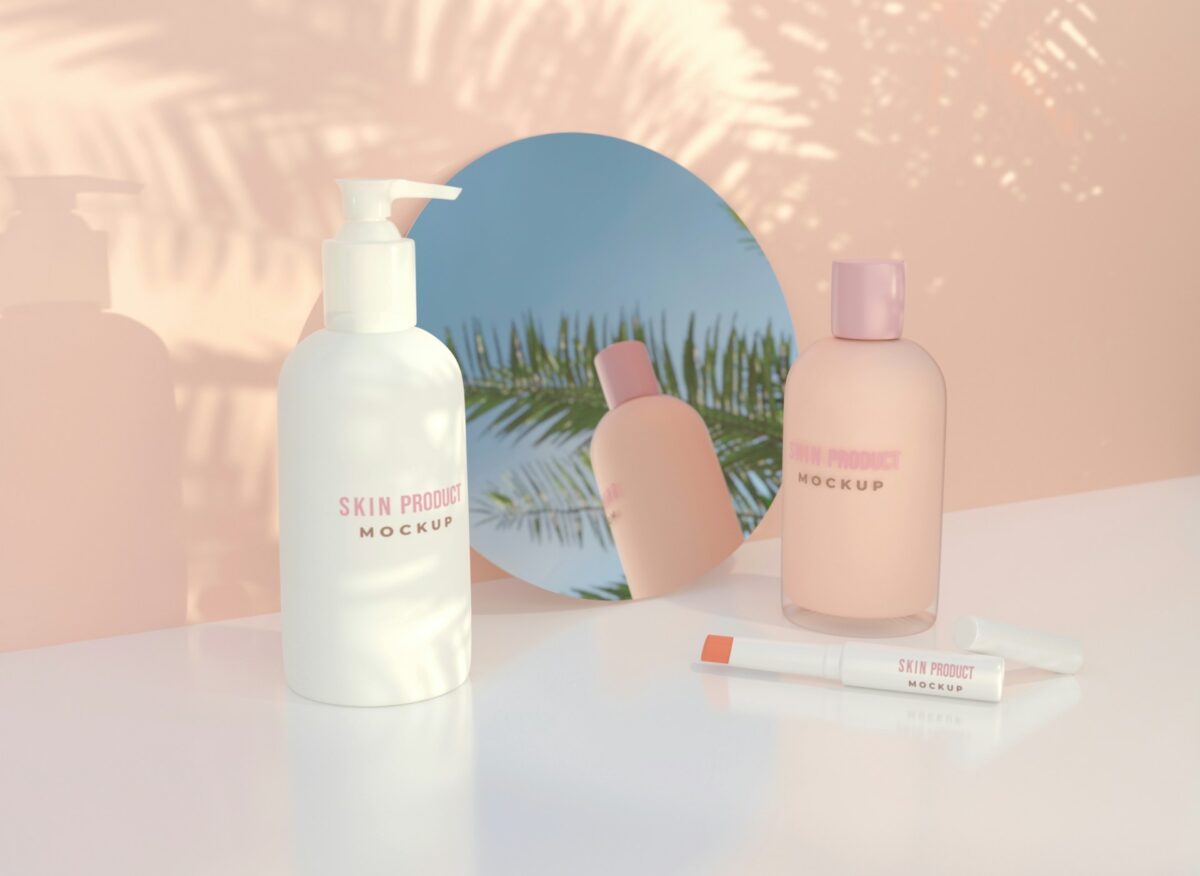
An AI 3D model generator can help you turn product ideas into digital mockups. You can test packaging designs and prepare promotional visuals without buying every sample first. For home-based businesses with limited budgets, this gives you another way to plan product launches.
Why Are 3D Product Mockups Useful for Home Businesses?
Running a business from home means handling several jobs yourself. You might spend the morning making products and the afternoon preparing social media posts. Finding time for product photography can become difficult when orders start arriving.
A 3D product mockup gives you a digital version of your product that you can view from different angles. You can use it to test packaging concepts or show customers an upcoming design before production.
For example, a candle seller could compare three label designs on the same jar. A handmade soap business might test different gift boxes before placing a packaging order. These early previews help you make design decisions without preparing physical samples for every idea.
How to Make Product Mockups Using 3D AI
You do not need to develop an entire product catalog immediately. Start with one item and prepare a few visuals for your next promotion.
1. Choose a Product That Needs Better Visuals
Begin with something you already sell or plan to launch. A candle jar or decorative planter can be a practical first project because its shape is relatively simple.
Suppose you sell handmade candles and want to introduce a holiday collection. You have finalized the jar size but are still deciding between two packaging designs.
Take a photograph of your existing jar against a plain background. Keep the entire product visible and avoid placing other objects around it. If you have measurements from your supplier, keep them nearby for checking the generated result.
Your first goal is preparing a model that represents the actual product shape.
2. Generate a 3D Model From Your Reference
Once your photograph is ready, you can use an image-based generation tool to prepare the model.
For example, Meshy supports Text to 3D and Image to 3D generation through its browser platform. You can upload a product photograph or describe an object when you do not have a reference image.
The software accepts PNG, JPG, JPEG, and WebP images up to 20 MB. Choose a clear photograph showing the main features of your product.
For products with different details on each side, Meshy 7 supports Multi-View generation on paid plans. You can provide one primary image and three additional angles.
After generating the model, check its proportions against your original product. Correct any visible differences before preparing marketing images.
3. Test Packaging Designs Before Ordering Samples
Now imagine your candle jar is ready as a digital model. Your next task is deciding how the packaging should appear.
You might want to compare a plain kraft paper label against a printed wrap. Instead of ordering both versions immediately, prepare digital previews showing each design.
Meshy supports AI texturing for applying surface details to generated models. Its PBR texturing system produces maps for base color, roughness, metallic properties, and normal details.
These material settings help you preview how surfaces respond to lighting.
Keep your actual logo and product information separate from generated textures. Use approved artwork files when preparing your final packaging mockups.
Once you choose a design, request a physical sample to verify the printed colors and material finish.
4. Prepare Images for Your Online Store
After completing the model, you can arrange it inside a digital product scene. Your candle might appear on a bedside table or beside a decorative tray.
Choose a setting that suits the product without distracting customers from it. Use the same camera angle when comparing packaging variations.
For your online store, prepare a main product image and a few supporting views. You can also show the jar from the side to explain its shape.
According to Shopify product media guidance, merchants can add 3D models alongside images and videos on product pages. These models can help customers understand product size and functionality.
Use accurate visuals for products available to purchase. If you are displaying an unfinished design, identify it as a concept rather than an actual product photograph.
5. Reuse Your Models Across Marketing Campaigns
A useful product model can support several campaigns without requiring another photoshoot.
Suppose your candle collection sells throughout the year. You could prepare promotional scenes for different occasions using the same approved jar model.
Change the surrounding objects and background to suit each campaign. Keep the actual product design consistent unless you are promoting a new variation.
Your model can also help with email campaigns and launch announcements. A single product asset may provide several viewing angles for different marketing formats.
This approach can reduce repeated design work when your business has limited time for photography.
What Can You Make With Product Mockups?
Different home-based businesses can use digital models for their own marketing needs. The most useful projects are those that help you make a specific business decision.
Here are a few examples:
Handmade candles: Compare jar shapes and label placements before ordering packaging.
Home decor products: Prepare room scenes featuring planters or decorative accessories.
Handmade soaps: Preview gift boxes before launching seasonal collections.
Custom gifts: Present product concepts for customer approval before making the final item.
Some businesses also develop cartoon mascots for advertising. Meshy Auto Rigging includes Smart Rig (Beta) for custom fantasy creatures outside standard character categories. This feature supports digital character preparation rather than ordinary product mockups.
Can You Make Product Mockups for Free?
Meshy provides free and paid subscription options. Its free plan includes 100 monthly credits and ten downloads of untextured Meshy 6 Lite models.
Downloading models generated with Meshy 6 or Meshy 7 requires a paid subscription. Textured model downloads also require paid access.
Free-plan outputs use the CC BY 4.0 license, which permits commercial use with attribution. Paid plans provide private asset ownership under the platform terms.
Before purchasing a subscription, calculate how many product models you need each month. Consider the time required for correcting models and preparing the final images.
FAQs
Can AI Product Mockups Replace Professional Photography?
Digital mockups can help you test concepts before arranging a photoshoot. Actual product photographs remain valuable for showing customers the finished items.
Can You Edit a Generated 3D Model?
Yes, you can export supported files for further editing. Meshy offers formats including GLB, FBX, OBJ, and STL.
Final Thoughts
Running a home-based business involves making careful decisions about your time and budget. Preparing product mockups digitally can help you review ideas before spending money on samples.
Start with one product you already understand. Test a few variations and check the results against your actual design.
You can then use the approved mockups to plan your next product launch with greater confidence.