


Social media content is becoming more visual, interactive, and entertaining. Creators are always looking for new ways to capture attention, whether through short videos, animated photographs, or eye-catching digital artwork. Artificial intelligence is making these creative tasks more accessible by helping users transform simple ideas and images into engaging content.
Vidnoz AI offers online creative tools that can help users explore image generation and photo animation. By combining a suitable visual concept with AI-powered effects, creators can develop content for social media, personal projects, entertainment, and digital storytelling.
Turn Still Photographs into Animated Dance Videos
A photograph can capture a memorable moment, but animation can give that image a completely different character. AI-powered photo animation tools use image information and learned motion patterns to create moving sequences from still pictures.
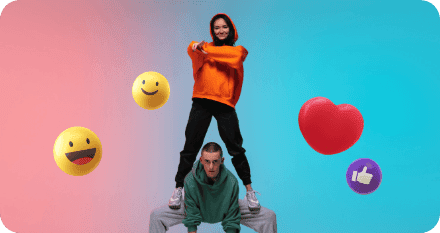
Using an AI dance generator free, users can explore ways to animate suitable photographs into dance videos. This approach can be useful for creating entertaining social media posts, humorous clips, and creative visual experiments without filming an entire dance performance.
For the best results, start with a clear photograph in which the subject is easy to identify. Full-body images with good lighting and minimal obstructions can be helpful when the goal is to generate dance movements. Choose an appropriate motion style, preview the result, and check that the animation looks consistent before sharing it.
Photo animation is also useful for storytelling. A creator might animate a character for a short social media series or turn a personal photograph into a lighthearted greeting. The result can feel more interactive than a standard image while remaining relatively simple to produce.
Create Original Visuals with AI Image Generation
Before animating a photograph, creators may need a new image that matches their concept. An AI image generator can help turn a written description or an existing image into a new visual.
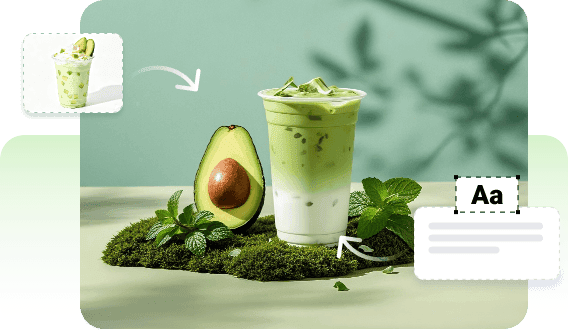
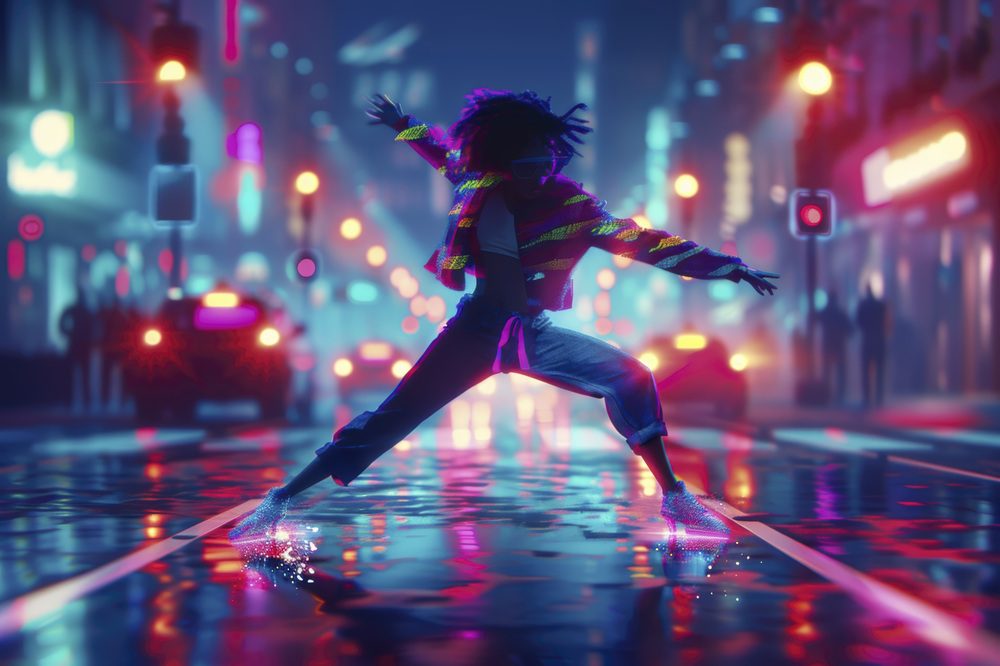
For example, a content creator preparing a travel-themed post could describe a colorful street market at sunset, complete with warm lighting, busy stalls, and a cinematic composition. The generated image can then become part of a social media post, presentation, or creative project.
Vidnoz AI’s image-generation workflow supports text-to-image and image-to-image creation. Users can describe the scene they want, explore visual styles, and adjust their prompts to produce different results.
Clear prompts generally provide better direction. Include the main subject, setting, lighting, mood, and desired style. If the first result does not match the original idea, refine the description rather than rewriting everything at once.
Combine Image Creation and Animation in a Creative Workflow
Image generation and photo animation can complement one another. First, create or select an image that communicates the desired idea. Next, decide whether the image would benefit from movement, such as a dance sequence or another animation effect.
A practical workflow includes four steps:
- Develop the concept: Decide what the content should communicate and who will view it.
- Create or select the image: Use a suitable photograph or generate a new visual based on your description.
- Apply animation: Choose an appropriate effect or dance motion for the subject.
- Review the result: Check movement quality, visual consistency, and suitability for the intended platform.
This process can help creators experiment with different concepts without organizing a complete photo or video shoot for every idea.
Tips for Better AI-Generated Content
The quality of the source material and the clarity of the creative direction both influence the final result. Use images that you have permission to edit, particularly when they contain recognizable people. Avoid using another person’s photograph in a misleading or embarrassing context.
For image generation, describe the composition in practical terms instead of relying only on vague instructions. Specify whether you want a realistic photograph, an illustration, or a stylized digital artwork. Mention important details such as background, colors, camera angle, and lighting.
For animated videos, preview the generated motion carefully. AI may occasionally produce unnatural movements or inconsistent details, so reviewing the finished clip is an important part of the process.
Creators should also check the current tool limits, download options, and usage terms before planning a large production or commercial campaign.
Why Vidnoz AI Is Worth Exploring
Vidnoz AI brings together online tools for creating images and experimenting with AI-generated video content. This can be helpful for beginners who want to explore visual creativity without first learning a complicated professional editing application.
The platform provides a convenient starting point for developing concepts, generating visual assets, and exploring animation workflows. Users can begin with a simple idea and gradually experiment with more detailed prompts and different creative approaches.
Final Thoughts
AI-powered image creation and photo animation are opening new possibilities for social media creators, marketers, and everyday users. A well-designed image can communicate an idea, while animation can make the same concept more dynamic and entertaining.
With Vidnoz AI, users can explore image generation and photo animation as complementary parts of a creative workflow. By starting with clear ideas, selecting appropriate source images, and checking every result before publication, creators can produce engaging visual content while maintaining control over the final message.