You’re up at 11 p.m. Answering a customer text, and tomorrow morning you’ll spend twenty minutes chasing an invoice that was due last week. This is exactly what an AI assistant for small business owners is built to fix: it can take over eight specific admin jobs today, from routine messages to invoice follow-up, without you becoming a tech person first. Below are those eight tasks, the setup step for each, the common mistake, and how to tell it’s working. Pick one, set it up this week, and check it before you hand off the next.
1. Answering routine customer emails and messages
The same handful of questions show up in your inbox every week: your hours, your pricing, whether you take walk-ins, whether you’re open on Sundays. You could probably type the answers from memory at this point.
Feed the assistant a short FAQ document once, written in your own words, so its answers match your actual policies instead of guessing at them. This takes maybe twenty minutes and saves you from a bot that confidently tells a customer the wrong price.
Start in draft-only mode for the first one to two weeks. The assistant writes the reply, you read it, you hit send. Once the tone sounds like you and the facts check out, you can trust it further.
A good rule for when to fully automate a question: once you’re answering the same thing more than 10 times a week, it’s worth letting the assistant send it without your review. Anything rarer than that, keep drafting and approving by hand.
The mistake to avoid: turning on full auto-send before you’ve checked a solid week of drafts for accuracy. One wrong policy answer sent to a customer costs more trust than the time you saved.
2. Drafting quick social posts and matching graphics

Marketing is the first thing that gets skipped when your week gets tight, even though a weekly post is often what keeps a repeat customer thinking of you first. The problem isn’t that you don’t have anything to post. It’s that writing a caption in one app and hunting for a decent photo in another eats twenty minutes you don’t have.
An assistant that handles both in one pass fixes that. You describe what happened this week, it writes the caption, and it generates a matching image without you switching tools mid-task.
A salon, for example, can post a before-and-after photo every Friday, with the caption and the graphic both drafted in the same conversation instead of two separate chores. That’s the difference between a task that happens every week and one that happens “when I get to it.”
This is also where a tool like the best AI app for everyday use earns its place, since chat, image generation, and video generation living in one place means you go from idea to a finished post without opening three tabs.
The mistake to avoid: publishing an AI-generated image without checking it against your actual logo colors and existing brand look. A mismatched graphic reads as sloppy faster than a plain photo does.
3. Booking and rescheduling appointments
Most calls to a small business go unanswered by a live person, and that gets worse once the phone rings after hours or during a job you can’t step away from. Every one of those missed calls is a customer who might just book with the next name on their list.
An assistant connected to your calendar can offer open slots, confirm a booking, and send a reminder text without you touching your phone. It works the same whether the request comes in by call, text, or chat.
Set the rule once, before you turn it on: which services can be booked automatically, and which ones, like custom jobs or first-time clients, still route to you for a look before they’re confirmed.
- Standard services with a fixed price and duration: auto-book
- Custom quotes or first-time clients: assistant collects details, you confirm
- Anything same-day: flagged for a quick human check
The mistake to avoid: letting the assistant book back-to-back slots with no buffer between them. One long job runs over, and you’re double-booked on your busiest day of the week.
4. Following up on unpaid invoices and cold leads
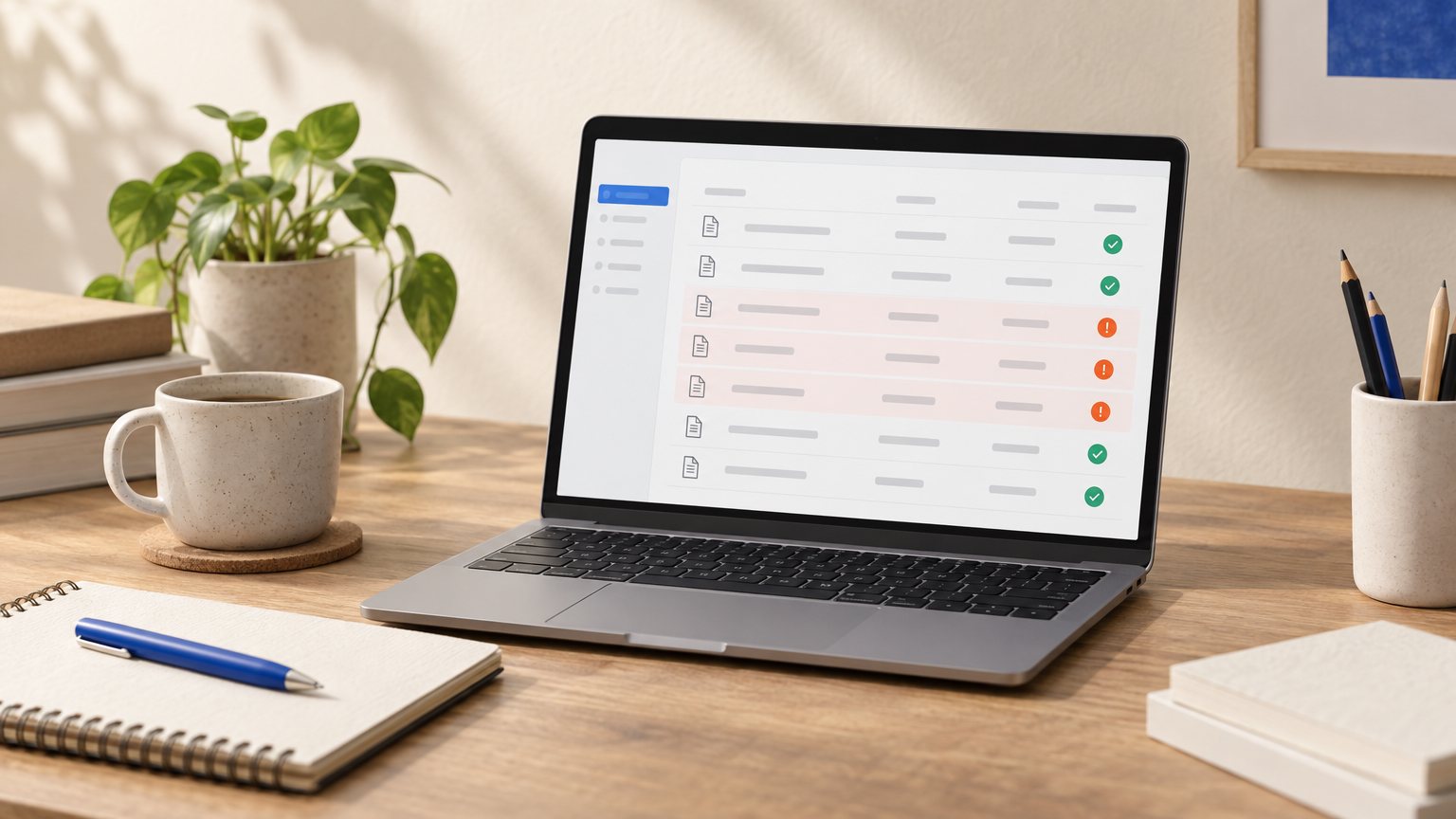
Chasing an invoice, or calling back a lead you never got to, is the kind of task that gets pushed to tonight, then to next week, then quietly forgotten. It’s not that you don’t care about the money. It’s that the task never feels urgent enough to beat whatever’s in front of you.
Setting the reminder rule
Set a simple rule and let the assistant run it: after 7 days overdue, it sends one polite reminder with a payment link, with no manual typing on your end. For leads, have it send a short follow-up within a day of first contact, since a lead that goes quiet for a week rarely comes back on its own.
- Invoice 7 days overdue: automatic first reminder
- Invoice 14 days overdue: second reminder, slightly firmer tone
- New lead, no reply in 24 hours: short check-in message
When to step in yourself
Decide your escalation trigger before you need it. At 30 days overdue, should the assistant keep sending the same reminder, or should it flag the account to you so you can call directly? Most owners find a phone call beats a fourth automated email at that point.
5. Summarizing calls, meetings, and long documents
A 45-minute vendor call turns into five action items you can act on today, instead of a recording sitting in your phone that you’ll never replay. That alone recovers time you didn’t know you were losing.
Use the same trick on a contract before you sign it. A plain-language summary of the key terms lets you know roughly what you’re agreeing to before you sit down to read the full document yourself.
Use it again right after a client meeting, while the conversation is still fresh, to draft follow-up notes you can send within the hour instead of trying to reconstruct the details tomorrow.
The mistake to avoid: treating the summary as the final word on anything with dollar amounts or legal terms attached. Read the full document yourself for those. The summary is a shortcut to understanding, not a substitute for your own eyes on the fine print.
6. Translating customer messages on the spot
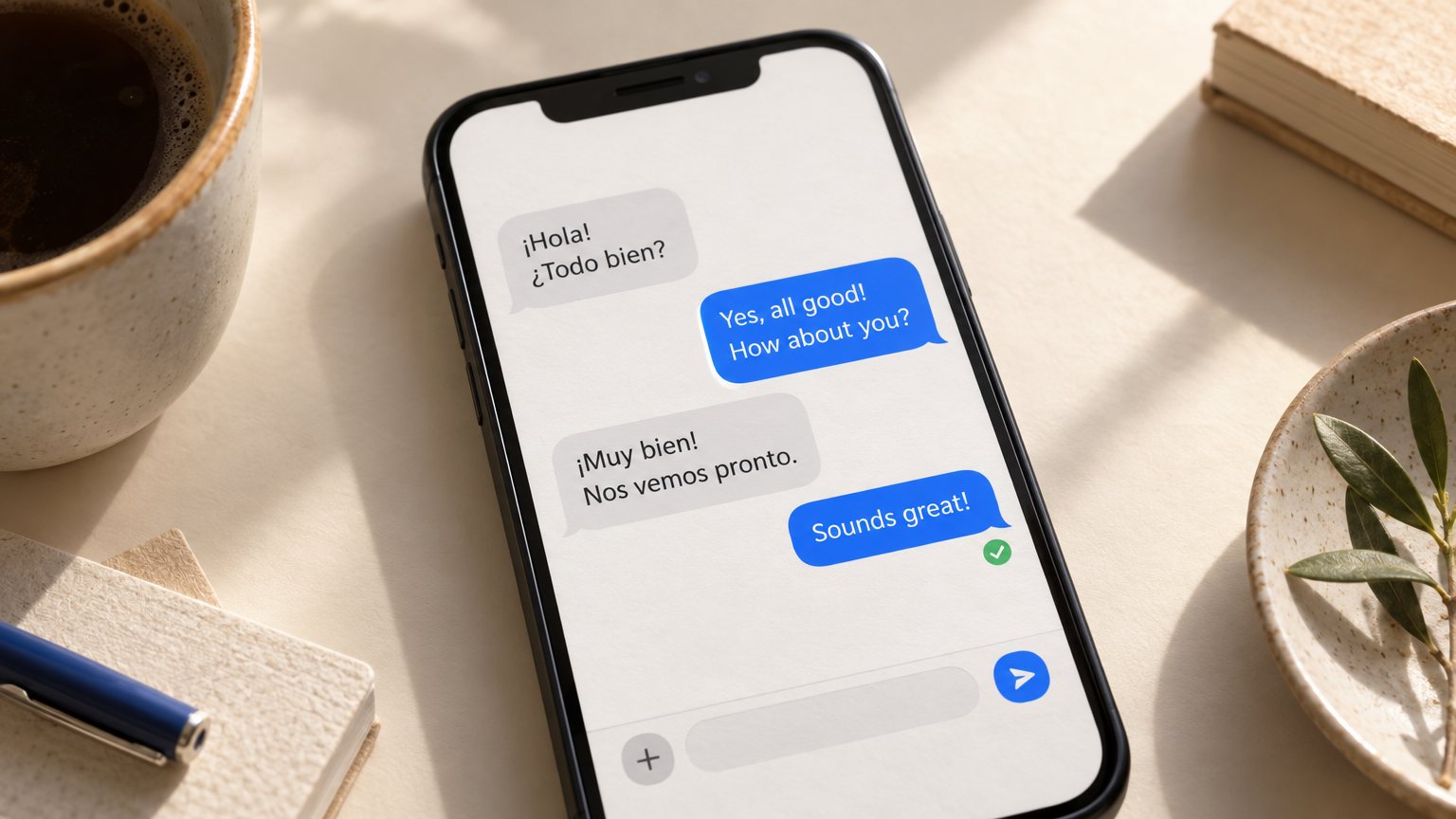
A customer texting you in another language shouldn’t have to wait while you track down a bilingual staff member or a translation app that doesn’t quite fit the conversation.
An assistant can translate both directions in real time, so the back-and-forth keeps moving instead of stalling on a language barrier. You type in English, the customer reads it in their language, and their reply comes back translated for you.
This works well for casual, low-stakes questions: your hours, directions to your shop, whether you have a certain size in stock. It works less well for anything tied to a contract, a medical detail, or a legal term, where a mistranslated word matters.
Have a bilingual person double-check any translated message that involves money, safety, or a signature before it goes out. That one review step catches the rare mistranslation before it becomes a real problem.
7. Sorting receipts and categorizing expenses
A photo of a receipt gets tagged as travel, supplies, or a client meal automatically, instead of sitting in a shoebox or a phone folder until tax season shows up and ruins your weekend.
This matters most in the weeks before filing, when sorting a full year of paper receipts by hand eats a weekend you don’t have to spare. Snapping the photo the day you get the receipt spreads that work out over the whole year instead.
Review the categorized list once a month, not once a year. A mistagged expense gets caught easily while you still remember what it was for, and it’s nearly impossible to reconstruct twelve months later.
The mistake to avoid: assuming the first categorization is always right and never spot-checking it. A quick monthly scan takes five minutes and saves you from an inaccurate expense report at filing time.
8. Answering the phone or website chat after hours

Customer demand doesn’t stop at 6 p.m., and a missed call at 9 p.m. Often books with whoever answers first, which might not be you.
What to automate overnight
An assistant can pick up a chat message or a phone call after hours, answer the basic questions, and capture the caller’s name and number so you can follow up first thing in the morning. This covers the bulk of after-hours contact: pricing questions, availability, “are you open tomorrow,” and simple booking requests.
What still needs a real person
Route anything urgent straight to a real alert on your phone, not a voicemail nobody checks until morning. A safety issue, a clearly upset customer, or a job that sounds time-sensitive should reach you directly, even at 10 p.m.
- Basic question or booking request: assistant handles it, logs it for you
- Upset or urgent customer: immediate alert to your phone
- Anything you’re unsure about: assistant collects details, waits for you
Decide which after-hours conversations need a same-night human response, and set that rule before you turn the assistant on, not after a missed job costs you a client.
Next steps
Pick the one task from this list that costs you the most time this week, whether that’s the 11 p.m. Text replies or the invoice you keep meaning to chase. Set it up in draft-only or review mode today, watch it for a week, then automate the next task on the list once you trust the first one.
FAQ
What is an AI assistant for a small business?
It’s software that handles the routine admin work a small business owner usually does alone: replying to customer messages, booking appointments, chasing invoices, summarizing calls, and sorting receipts. The stronger versions connect to your calendar, inbox, and phone so they can act, not just answer questions in a chat window.
Is it safe to give an AI assistant access to customer data?
It can be, as long as you check how the tool stores and protects that data before connecting it to your inbox or calendar. Look for an assistant that keeps sensitive records under your control, and avoid anything vague about where your customer data ends up.
How much should a small business expect to pay for an AI assistant?
Pricing ranges widely, from free tiers with limited use to monthly plans built for a solo operator or a small team. Match the plan to the number of tasks you’re automating rather than paying for features you won’t touch in the first few months.
Can an AI assistant replace hiring a virtual assistant or receptionist?
For routine, repeatable tasks like answering common questions, booking standard appointments, and sending reminders, yes, it can cover most of that ground. For judgment calls, first-time clients, and anything involving money or an upset customer, you still want a real person reviewing the situation.